

ERP for developers and construction companies
The operating system
for real estate
projects.
Run bookings, procurement, construction, quality, materials, accounts and reporting around one connected project.
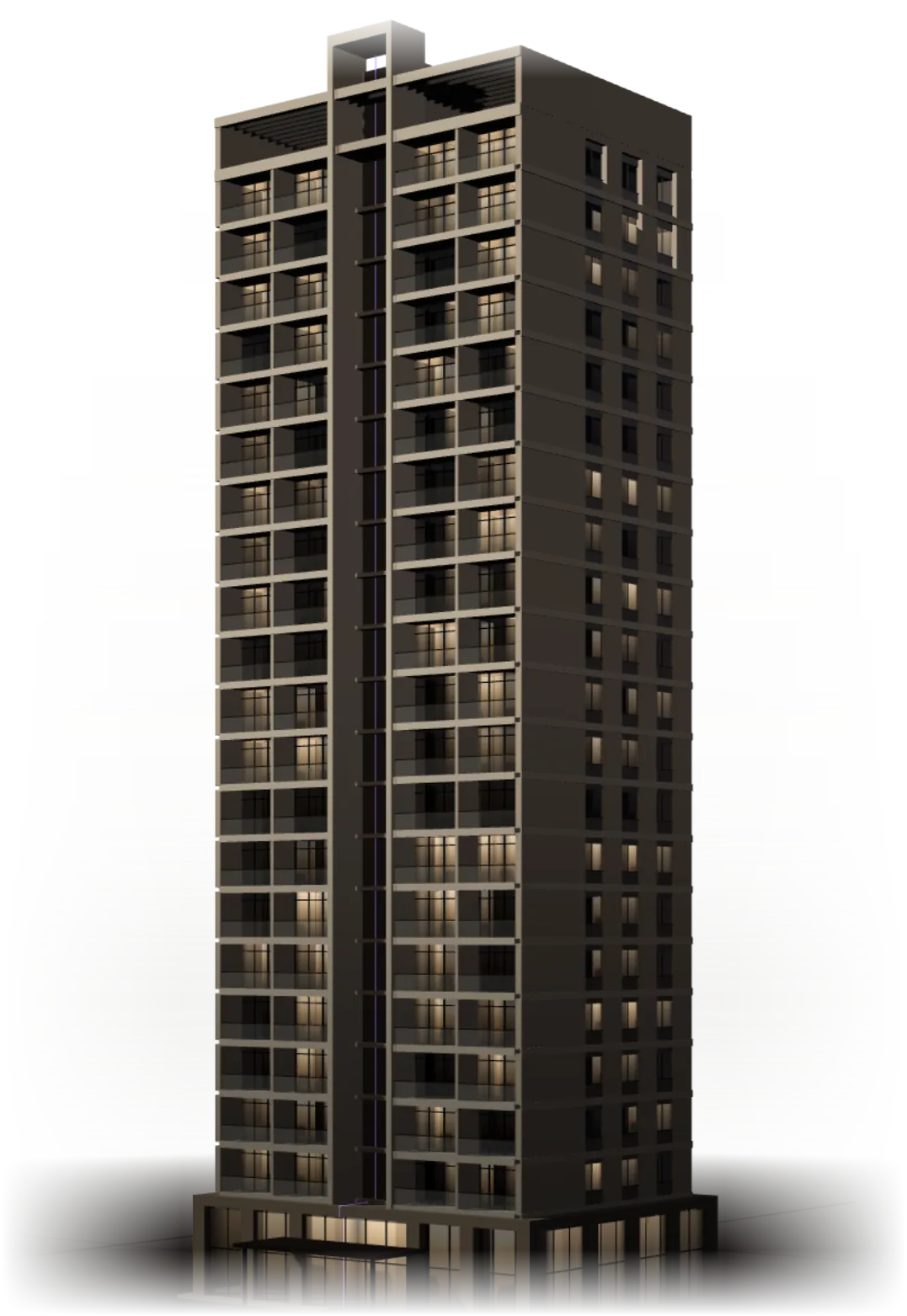
Everything a real estate project runs on, in one connected system.
- Connected modulesFrom post-sales CRM to MIS
- 10
- Purpose-built rolesSuper Admin to Buyer
- 13
- MIS reportsSales, cost, stock and cash
- 16
- Lifecycle stagesSetup to management reporting
- 8
- Buyer booking viewsIn the customer portal
- 6
- Connected systemOrganised project by project
- 1
When every department keeps its own record, the project has none.
Sales tracks units in a spreadsheet. Purchase compares quotations over email. Site keeps registers. Accounts re-enters bills that were already entered once. Management waits for a month-end report stitched together by hand.
In Proprite, a unit, an order, an inspection or a bill is entered once — inside the project — and every team that needs it works from that same entry.
The same unit, order and bill are re-typed in each department’s sheet — and drift apart.
From project setup to management visibility
Data entered at one stage is ready for the next. Nothing is typed twice.
- 01
Admin · CRM
Project & inventory setup
Create the project, its towers, floors and units, rate and payment plans, PLC and charges.
Aranya Heights
4 towers · 312 units
Rate plan RP-2 · 3 payment plans
Next: Units and prices become the basis for every booking.
- 02
CRM
Customer & booking
Block a unit, then book it with plan, charges, discount and taxes in one live preview.
A-1204 booked
₹84,50,000
Price locked · Construction-linked plan
Next: The locked price produces the payment schedule and demand letters.
- 03
Purchase
Procurement
Requirements become RFQs, quotations are compared, and a person selects the supplier.
PO-0418 issued
₹8,50,000
Selected from 3 quotations · value locked
Next: Purchase orders tell the store and site what is coming.
- 04
Projects
Construction planning
Major tasks, tasks and activities carry duration, budget, workforce, materials and machinery.
Slab casting — Floor 12
In process
68% planned · 61% actual
Next: Activity material plans raise requirements; progress feeds cost reports.
- 05
QC
Quality control
Checklists with pass/fail, remarks and photos gate both work and delivered material.
Inspection QC-2231
11 / 12 passed
Approval blocked — 1 required check failed
Next: Only passed work unlocks the next activity; only passed material enters stock.
- 06
Store
Material & stock
Indents are issued against available stock; shortfalls go straight to Purchase.
Indent IN-0907
82 of 120 bags
Shortfall 38 sent to Purchase
Next: Issues and receipts drive stock history and indent reports.
- 07
Accounts
Accounts
Approved supplier bills, contractor work and petty cash reach their ledgers.
Supplier ledger
₹1.24 Cr
Approved by Purchase Manager
Next: Ledgers and dues feed management reporting.
- 08
Management
Management reports
Sixteen MIS reports drawn from the records every team already keeps.
Projected receivable
₹38.6 Cr
Next 12 months · 3 projects
Next: Management sees the project as one picture.
Every booking starts from the same unit, price and plan.
- Blocks expire on their own
- A held unit returns to available after its expiry date — no manual release.
- Prices lock on confirmation
- Later changes to rate plans never alter a confirmed booking.
- Demand letters as PDFs
- Generated from the payment schedule and visible to the buyer in the portal.
Your team chooses the supplier. Proprite keeps the record.
Plan the build the way your site already works.
Major task, task, activity. Each carries duration, budget, workforce, engineer, materials and machinery — then planned is measured against actual.
- Not Started → In Process → Completed for every activity
- NMR — male workers, female workers and masons, headcount × labour rate
- Material requirement calendar feeding Purchase
Progress cannot outrun quality.
If a required check fails, the inspection cannot be approved — and there is no override. The next dependent activity cannot start, and delivered material does not become stock.
Explore Quality ControlStock that can never go below zero.
When material stock falls short of a site requirement, send the remaining requirement directly to Purchase.
- Cannot issue more than requested
- Cannot issue more than available
- Site engineer confirms delivery
- Stock history records who, what, quantity and when — and cannot be edited
Nothing reaches a ledger without the right approval.
Sixteen reports, drawn from the work itself.
Buyers see their own booking — and nothing else.
A dashboard of bookings and total pending amount, then six views for each booking, plus support tickets answered by your team.
- 1Overview
- 2Payments
- 3Demand Letters
- 4Construction Status
- 5Customizations
- 6Documents
A responsive web portal that works in the buyer’s browser. No app to install.
Explore the Customer PortalControl is built into the workflow.
- 1Maker
Store Manager
Enters supplier bill SB-2291 against PO-0418
- 2Checker
Purchase Manager
Checks it against the locked PO and QC result
- 3Approval
Admin
Gives final approval; Accounts is notified
- Role-based access
- 13 built-in roles plus custom roles decide what each person can do.
- Project-based access
- Staff see only the projects they are assigned to.
- Maker-checker approvals
- Purchases, bills and contractor work are approved by someone other than the person who entered them.
- Separation of duties
- Store enters bills, Purchase approves; Site records work, Quantity approves.
- Locked commercial values
- Booking prices lock on confirmation. PO values lock on issue.
- Audit history
- Changes are recorded with who made them and when.
- Immutable stock history
- Stock movements cannot be edited — corrections are new entries.
- Non-negative stock
- Stores cannot issue more than is available. Stock never goes below zero.
- Non-negative petty cash
- Expenses cannot take a cash balance below zero.
- QC gates
- Failed required checks block approval, dependent work and stock entry.
- Buyer data isolation
- Each buyer sees only their own bookings and customer-visible documents.
Thirteen roles. Every handoff visible.
Questions, answered plainly.
Anything else? Contact the team.
Proprite is an ERP for real estate projects. It connects post-sales CRM, purchase, project scheduling, quality control, material inventory, contractors, operational accounts, MIS, a buyer portal and administration around one project record.
See how Proprite fits your project workflow.
Walk through Proprite using the workflows your team already manages — your towers, your payment plans, your approval chain.